Structured data for a local business: what schema gives you in 2026
Structured data for a local business in 2026: what Google still uses, what has disappeared (FAQ, HowTo, stars), a JSON-LD code example and a checklist.
A few years ago structured data was associated with expandable FAQ questions and stars under a result. Today, in the results for an ordinary service business, most of these embellishments don’t appear, so many businesses ask whether it is worth bothering at all. In short: it is, but for different reasons than before.
In this guide I describe the situation as of 27 October 2026: what still works in structured data for a local business, what you can skip, and how to sort it out on your website in an hour. You get a code example to copy and a checklist.
What structured data is, in plain terms
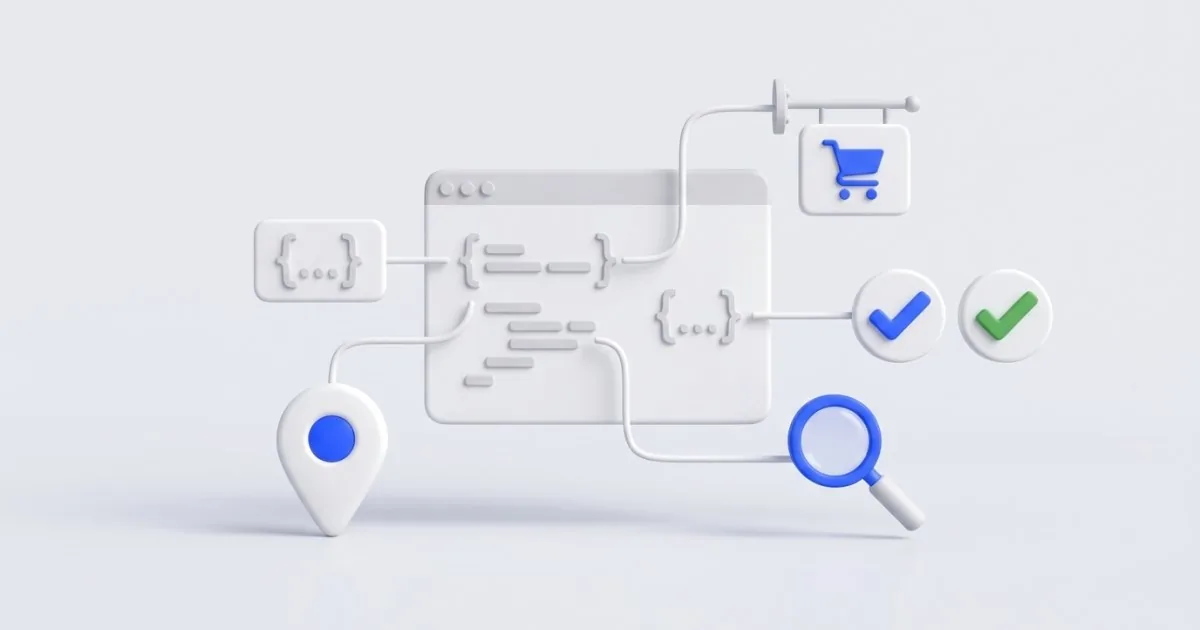
It is an extra piece of code on the page that describes the business in a language machines understand: name, address, phone, hours, services. The customer doesn’t see it. Google and other programs that read websites do.
Most commonly the schema.org vocabulary and the JSON-LD format are used. In its documentation, Google recommends JSON-LD as the preferred format. You insert it as a single block in the head section or in the page content, without changing how the page looks.
What has disappeared or stopped working
Before you add anything, let go of what no longer brings any effect:
- FAQ in results. Since 2023 Google showed expandable questions only for well-known, authoritative government and health websites, and since 7 May 2026 it does not show them in results at all. In June 2026 it also removed the documentation for this result type.
- HowTo. Since September 2023 Google has not displayed step-by-step instructions as a result with enhancements.
- Stars from reviews of your own business. If you mark up in the code reviews of your own business that you collect on your own website, Google will not show stars for them. Stars on Maps come from the Google Business Profile, not from the page code.
- Some other types. In 2025 and 2026 Google retired more of the less commonly used results with enhancements, for example estimated salary and vehicle listings. Check the details in the Google Search Central documentation, because the list changes.
This doesn’t mean that questions and answers on the page are worthless. They still help customers. It is just that FAQ code will no longer give you extra lines in the results.
What still makes sense for a local business
For structured data for a local business, four types count:
| Type | What it’s for | Who it’s for |
|---|---|---|
| LocalBusiness (and subtypes) | name, address, phone, hours, service area | every business with local customers |
| Organization | company name, logo, social profiles | every business (a local business can add these fields to the LocalBusiness block) |
| Product | product, price, availability | stores |
| BreadcrumbList | navigation path in results on desktop | websites with several levels |
I don’t promise that adding them will make eye-catching enhancements appear in the results. The main benefit is more modest but real: the data about your business is unambiguous and consistent with what you have in your Google Business Profile and in directories. Fewer mistakes in the name, address and phone number.
Step 1: prepare your business details
Before you paste in the code, write down in one place:
- The exact business name, as in your Google Business Profile.
- The address in the same form as in your listing.
- The phone number in international format, for example +48 600 000 000.
- Opening hours.
- The website address, logo and links to social profiles.
- The service area, if you travel to customers.
The most important rule: the data in the code must be identical to what is on the page and in your listing. Conflicting information does more harm than no data.
Step 2: paste in the JSON-LD example
Below is an example for a fictional plumbing company. Replace the data with your own and leave only what is true.
<script type="application/ld+json">
{
  "@context": "https://schema.org",
  "@type": "Plumber",
  "name": "Hydro-Serwis Przykład",
  "url": "https://www.przyklad.pl/",
  "telephone": "+48600000000",
  "logo": "https://www.przyklad.pl/logo.png",
  "address": {
    "@type": "PostalAddress",
    "streetAddress": "ul. Przykładowa 1",
    "addressLocality": "Giżycko",
    "postalCode": "11-500",
    "addressCountry": "PL"
  },
  "openingHoursSpecification": [{
    "@type": "OpeningHoursSpecification",
    "dayOfWeek": ["Monday","Tuesday","Wednesday","Thursday","Friday"],
    "opens": "08:00",
    "closes": "16:00"
  }],
  "areaServed": "Giżycko i okolice"
}
</script>
The Plumber type is a subtype of LocalBusiness, and Google recommends choosing the most specific matching subtype. If your industry isn’t on the list of schema.org subtypes, use the general LocalBusiness. LocalBusiness is also a kind of Organization, so you can add the logo and links to social profiles (the sameAs field) in the same block instead of creating a second one. Don’t guess the type and don’t add fields you can’t confirm on the page.
Step 3: add the navigation path and product data
If the website has several levels, for example Services → Door installation, add BreadcrumbList. Google can then show a readable path in desktop results instead of a long address. On phones it has no longer shown this path since January 2025.
If you run a store, mark up products with the Product type, with price and availability. The data must match what the customer sees on the product page. Store plugins usually do this automatically, but it is worth checking that the price in the code is current.
Step 4: check that the code works
After deployment, test the website:
- Open Google’s Rich Results Test, paste in the page address and run the test.
- Check which types were detected and whether there are errors.
- For any schema.org types, use the validator at validator.schema.org.
- After a few days, look at Search Console. The rich result reports show errors across the whole site, but not every type has its own report (LocalBusiness doesn’t). You can check an individual subpage with the URL Inspection tool.
Fix errors (red) right away. You can fill in the warnings about recommended fields if you have real data. Don’t add information just to make a warning disappear.
What not to do
- Don’t mark up content that isn’t on the page. In its guidelines, Google requires structured data to match the visible content.
- Don’t put fake reviews or ratings in the code. That violates the policies and risks a manual action against the site.
- Don’t copy a competitor’s code. Their address and phone number will stay in it.
- Don’t multiply duplicates. An SEO plugin, the theme and manual code can add the same type three times. Keep one source.
- Don’t treat the code as a replacement for your Business Profile. Structured data supplements the listing, it doesn’t replace it.
Remember too that this is a technical description, not legal advice. Google’s rules change, which is why I describe the situation as of 27 October 2026, and it is worth checking the current documentation.
A one-hour checklist
- Check in the Rich Results Test what data your website already has.
- Compare the name, address and phone number with your Google Business Profile.
- Keep one source of data: a plugin or manual code.
- Add or fix LocalBusiness with the logo and links to profiles (or Organization, if the business doesn’t serve local customers).
- Add BreadcrumbList if the website has subpages at several levels.
- In a store, check Product: price and availability.
- FAQ and HowTo markup added only for the effect in results can be removed (it doesn’t hurt, but it no longer does anything in Google).
- Repeat the test after deployment.
You can do a quick review of the whole website, including SEO, in my free tool Check your website. Among other things, the report will show whether the page has JSON-LD structured data and which types were detected in it, and for each problem it will suggest what to fix.
Summary
For a service business in 2026, structured data rarely produces eye-catching enhancements in results, but it still puts the information about your business in order. Focus on LocalBusiness, Organization, Product and the navigation path, and let the rest go. If you’d like me to check your website’s code and tidy up the data, write to me or see how local SEO and search ranking works. I reply within 24 hours.
Frequently asked questions
Google’s documentation says that structured data helps it understand the content of a page and can make the page eligible to appear as a result with enhancements, although it does not guarantee this. Don’t treat it as a way to rank higher. It is a structured description of your business that reduces the risk of mistakes.
Not always. Many plugins and themes add basic data on their own, but it is often incomplete or wrong. It is worth checking once what is actually in the page’s code and, if necessary, correcting it in the template.
Reviews of your own business, published on your own website, do not give you stars in Google results. Stars work for selected types, for example products. According to Google’s guidelines, a page on which a business marks up reviews about itself with the LocalBusiness or Organization type is not eligible for stars, so such markup achieves nothing. Putting reviews into the code that are made up or not visible on the page violates the guidelines.
I have no reliable evidence for it and I don’t promise such an effect. Correct data can at most make it easier for machines to read your name, address and services, but whether your business gets cited is decided mainly by the content of the page.
Use Google’s Rich Results Test or the validator on schema.org. You paste in the page address or code and get a list of detected types and errors. After making corrections, also check the page in Search Console.
Related services
Have a similar project?
Describe what you need and I’ll send a quote within 24 hours. New clients get 20% off their first project.